
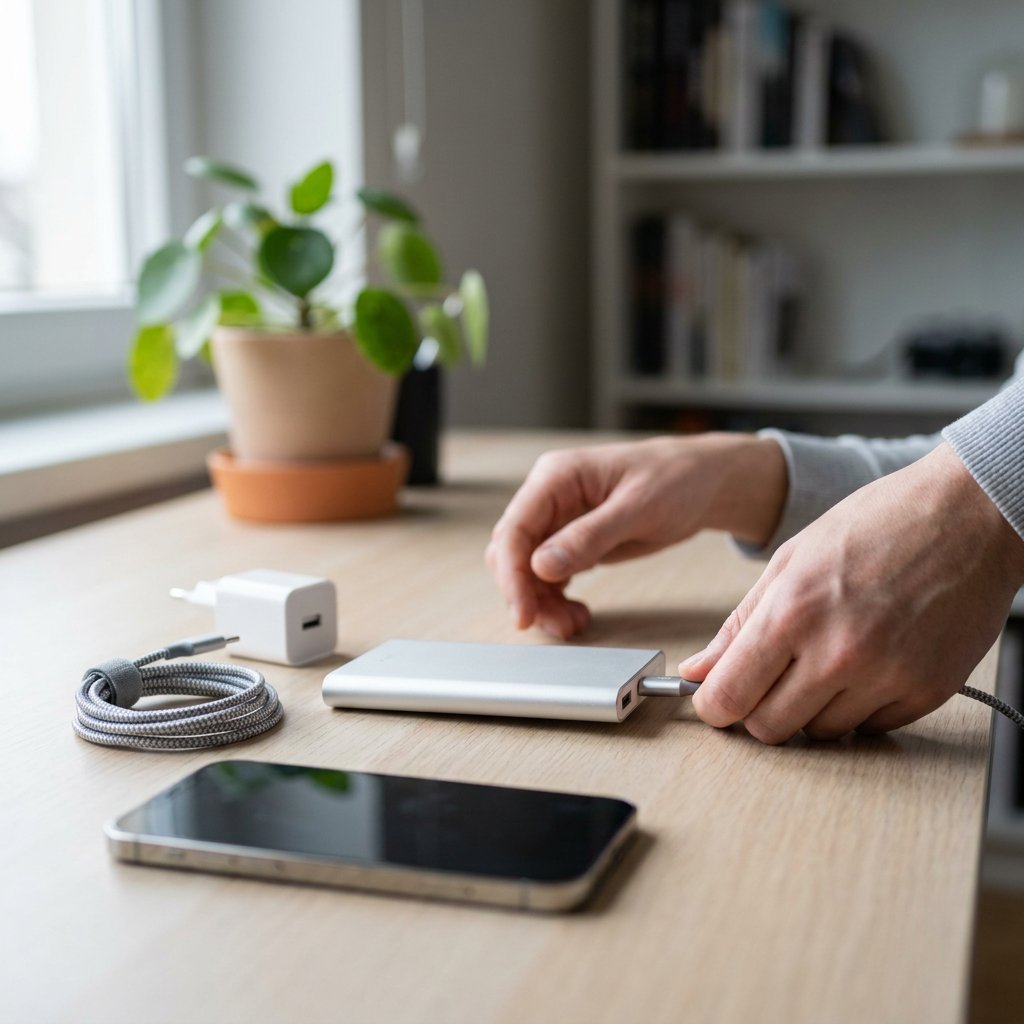
Charging a power bank seems simple, but in practice the charger, cable, port and capacity make a big difference. With the right combination, your power bank will charge noticeably faster, the battery will stay healthy for longer, and you will avoid frustration when travelling. In this guide, you will read how to charge a power bank safely and efficiently, how to estimate the charging time, and what you can do if charging is slow or stops working altogether.
How to charge a power bank safely and quickly
The fastest and most reliable method is via a wall socket with a suitable adapter. This gives the power bank a stable current and usually lets you reach the maximum charging speed the model supports.
1. Check the power bank input
First check which input port the power bank uses. This is often USB-C or Micro-USB. The casing or manual will usually also state the supported input, such as 5V/2A, 9V/2A or 20W USB-C PD. Not sure which connector you need? USB‑C of Lightning: welke aansluiting heb je nodig?
2. Use a suitable adapter
Choose a charger that can deliver at least the required power. If your power bank has an 18W input, for example, an 18W or 20W adapter is a logical choice. A more powerful adapter is also fine, as long as the charging protocols are compatible.
3. Connect a good cable
Use a cable that fits the port and can carry enough current. A worn, thin or very long cable can limit charging speed. For modern models, a good USB-C cable is usually the best option. For details on fast-charging support, see USB‑C‑kabels: verschil tussen laden en data.
4. Check the charging indicator
After connecting it, the LED lights should start flashing or the display should show a charging animation. If nothing lights up, try a different cable, adapter or wall socket.
5. Unplug the power bank when it is full
Many modern power banks stop charging automatically once the battery is full. Even so, it is wise not to leave it connected for longer than necessary, especially not in warm places.
Which charger and cable do you need?
You should choose the right charger for a power bank based not on brand name, but on the input specifications. If it says 5V/3A, for example, the power bank can accept a maximum of 15W. If it says 9V/2A, that is a maximum of 18W. In that case, a 65W charger is not harmful, but the power bank will only draw what it supports.
USB-C is usually the fastest and most future-proof choice, especially for models with Power Delivery. Micro-USB still exists, but it often charges more slowly and is more prone to wear. If you use Apple accessories, preferably choose MFi-certified cables. For all charging accessories, CE and RoHS compliant products are the safest choice for everyday use.
Cable quality also matters a great deal. A good adapter with a poor cable can still deliver disappointing results. Especially with power banks that support fast charging or have larger capacities, quality charging cables are essential.
How can you tell if the power bank is charging or full?
Most power banks use LED lights or a small display. While charging, the lights often flash one by one. When all the lights stay on continuously, the power bank is usually fully charged.
- 1 light on: usually up to about 25%
- 2 lights on: about 25% to 50%
- 3 lights on: about 50% to 75%
- 4 lights on: about 75% to 100%
This varies by model, so if in doubt, always check the manual. Some power banks also have a power button that you need to press briefly to show the charge status.
How long does it take to charge a power bank?
The charging time of a power bank mainly depends on three things: the capacity in mAh, the maximum input power, and the quality of the charger and cable. Not sure what capacity fits your needs? Hoeveel mAh heb je echt nodig? A large 20,000 or 30,000 mAh power bank naturally takes more time than a compact 10,000 mAh model. Charging via a laptop or old USB port often takes considerably longer than via a modern wall socket with a USB-C adapter.
| Capacity | 10W input | 18-20W input | 30-45W input |
|---|---|---|---|
| 10,000 mAh | 4-6 hours | 2.5-4 hours | 2-3 hours |
| 20,000 mAh | 8-11 hours | 5-7 hours | 3.5-5 hours |
| 30,000 mAh | 12-18 hours | 8-10 hours | 5-7 hours |
Treat these times as guidelines. Not every power bank supports 30W or 45W input, and heat, cable loss and battery age also have an effect. If charging takes unusually long, it is often due to an adapter that is too weak or a cable that restricts the current.
Common mistakes that affect charging time and shorten lifespan
If you use a power bank wisely, you will get good performance from it for longer. Modern lithium batteries do not need to be fully drained before you recharge them. In fact, leaving them fully discharged for long periods is not good for them.
- Charge a new power bank fully the first time to calibrate the indicator properly.
- Avoid heat, such as direct sunlight, a hot car, or charging under a pillow or blanket.
- Preferably do not use the power bank heavily while it is charging, unless pass-through is explicitly supported.
- If you will not be using a power bank for a longer period, store it at around 50% to 60% charge.
- When storing it, check the level every few months and top it up in time.
Charging via a wall socket, laptop, car, wirelessly or with a solar panel
Charging a power bank via a wall socket is almost always the best choice. It gives the most stable current and usually the shortest charging time. Charging via a laptop or computer also works, but it is often much slower, especially through older USB-A ports.
In the car, charging is fine when you are on the road, as long as you use a good car charger with sufficient output. Charging a power bank wirelessly is only possible if the model supports it. It is convenient, but usually less efficient and often slightly warmer than wired charging.
A solar panel or solar phone charger is mainly useful as an emergency solution outdoors. Curious about solar performance? Powerbank op zonne‑energie: werkt het echt? Do not expect constant top speed: sunlight intensity, panel quality and charge control have a major influence on the result here.
My power bank is not charging: what now?
If your power bank no longer charges, work through it systematically. In most cases, the problem lies in the cable, adapter or connection rather than in the power bank itself.
- Test a different cable that you know works properly.
- Try a different adapter, preferably via a wall socket.
- Check the port for dust, dirt or looseness.
- Briefly press the power button if your model has one.
- Let the power bank return to room temperature if it is very cold or warm.
- Check whether the charging indicator responds after 15 to 30 minutes.
If the casing becomes extremely hot, you notice a burnt smell, or the power bank starts to swell, stop using it immediately. That is not normal charging behaviour. If the power bank still does not charge despite trying different options, the battery or charging port may be worn out.
Frequently asked questions about charging a power bank
Can I use a 65W or 100W charger?
Yes, usually you can. A power bank will only draw the power it supports, provided the charger and protocol are compatible. So a more powerful charger is not automatically harmful, but it will not always charge faster either.
Should a new power bank be fully charged first?
That is advisable, but not because the battery needs to be activated first. With modern lithium cells, a first full charge mainly helps to calibrate the charging indicator correctly.
Can I charge my phone while the power bank itself is connected to the charger?
Only if the power bank supports pass-through charging. Without that feature, charging may be unstable, slower or warmer. So always check your model's product specifications.
How often should I charge a power bank?
That depends on usage. With regular use, you can simply top it up when the level gets low. If you use it infrequently, check the charge every few months and do not let it stay empty for a long time.
Can I charge a laptop with a power bank?
Laptop opladen met een powerbank is only possible with a power bank that provides enough USB-C Power Delivery output and with a laptop that supports charging via USB-C. Lighter models often need 30W to 45W, while many laptops require 65W or more.
Why does charging sometimes suddenly take much longer?
The most common causes are a weak adapter, a poor cable, charging via laptop USB, heat, or battery wear. In many cases, a better adapter and cable solve the problem immediately.
If you want to get the most out of your power bank, choose quality Kabels en laders voor opladen that match your device. At AZcom, you will find reliable cables, chargers and accessories with a focus on design, performance and certified quality, including CE and RoHS compliant solutions and, for Apple where relevant, MFi-compliant options.