
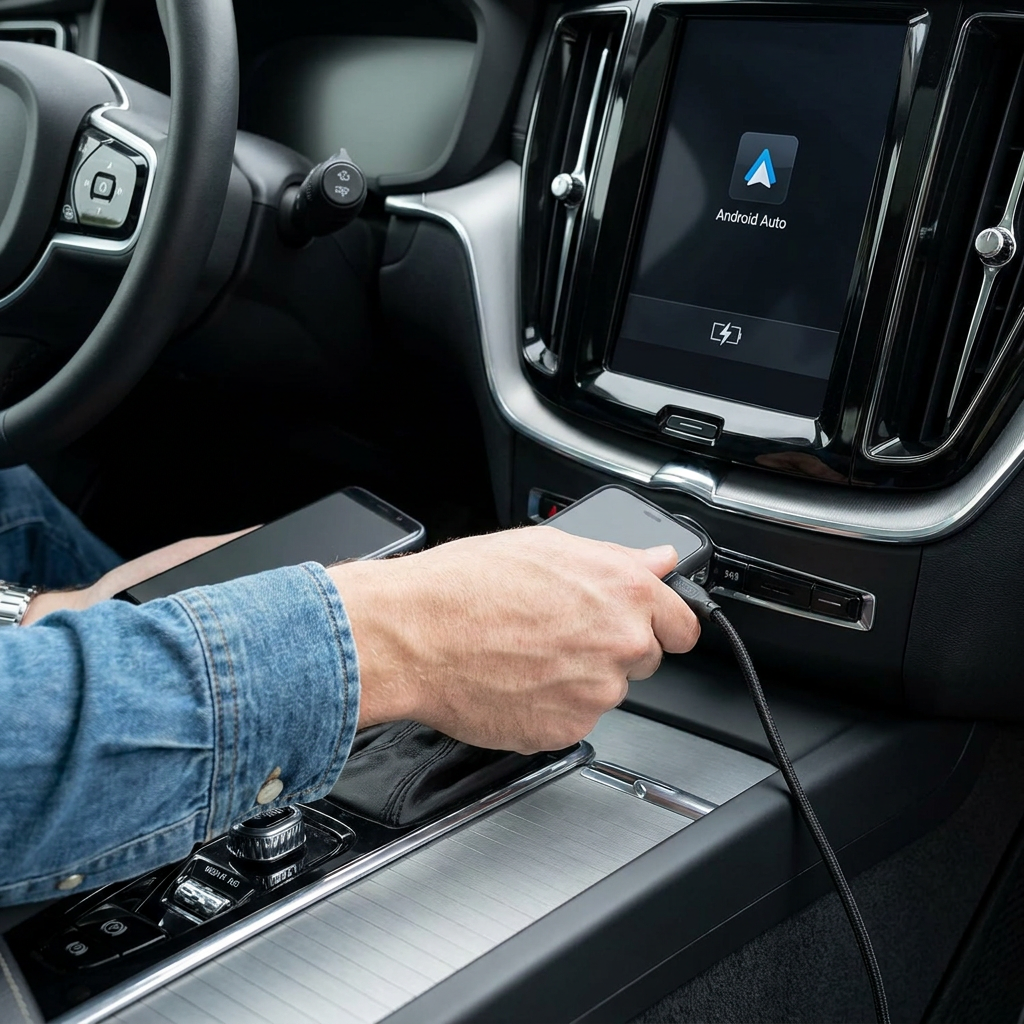
The best USB cable for Android Auto is usually short, supports data transfer, and matches the connection on your car and phone. For most Samsung, OnePlus Nord, and other Android smartphones, that means a reliable USB-A to USB-C or USB-C to USB-C cable. If Android Auto is acting up, a charge-only cable is often the cause. You can find suitable options in our USB cables overview.
What to look for in a suitable cable
If you want to make the right choice straight away, look at these points:
- Support for charging and data transfer, such as "data transfer", "sync" or "charge & sync"
- Preferably up to around 1 metre in length
- A newer, undamaged cable rather than an old or kinked one
- Solid finishing, for example with good strain relief or a braided jacket
- No hubs, extension cables, or separate adapters between phone and car
Which connection do you need?
The right Android Auto USB cable depends on the port on your phone and in your car. Almost all recent Android devices from Samsung, OnePlus, Xiaomi, and Google use USB-C. If your car has a classic USB-A port, you will usually need a USB-A to USB-C cable for Android Auto. If your car has a USB-C port, then USB-C to USB-C is the logical choice. Not sure which connector your phone has? Read USB‑C or Lightning: which connector do you have?
Note: not every USB-C cable is automatically suitable. Some cables are mainly intended for charging and are less reliable for continuous data transfer. That stable data connection is exactly what you need for navigation, music, voice control, and notifications.
Why not every cable works properly with Android Auto
Data transfer matters more than charging alone
A cable can charge your phone perfectly well and still be unsuitable for Android Auto. You will notice this if the screen does not start, audio stutters, or the connection keeps dropping. That is why you should always choose a cable that explicitly supports data. USB 3.0 or higher is preferred, but the cable's stability remains the most important factor.
Short and newer often works better
The longer the cable, the greater the chance of signal loss and interference. That is why a short cable often works better in practice than one that is 2 metres or longer. Wear also matters: an old or frequently kinked USB-C cable for Android Auto is more likely to be the weak link.
Avoid extra connectors in between
Extension cables, USB hubs, and cheap adapters may seem convenient, but they make the connection more complex. For Android Auto, the rule is usually: the more direct, the better. So connect your phone directly to the USB port that supports Android Auto.
How to check whether the cable is the problem
Watch for clear signs of connection issues
If Android Auto does not start, music cuts out, or Google Maps responds slowly, first test with another short data cable. Also check that you are using the right USB port in the car, because not every port supports Android Auto.
Check the app, connectors, and USB port
On some devices, Android Auto offers a check or diagnostic function that lets you see more quickly whether the connection is being established properly. Also inspect the hardware: dust in your phone's USB-C port, dirt on the connector, or a loose connection can interfere with the data link. If your phone's original cable works and another cable does not, the problem is almost certainly the cable.
Practical buying tips for everyday use
The original phone cable is a good starting point because it has been tested by the manufacturer. However, such a cable is not always ideal for use in the car when it comes to length. So it is better to choose a separate car cable in the right length and with solid build quality.
If you also want to charge while using Android Auto, check out charging your phone in the car: options and tips. Looking for a matching car charger? See our chargers and charging accessories. For safer navigation and a better view of the road, read our guide on choosing a holder: phone holder in the car—dashboard or air vent?
Frequently asked questions about Android Auto and USB cables
Which cable do I need for Android Auto?
In most cars, you use a USB-A to USB-C cable. If both your car and phone have USB-C, choose a USB-C to USB-C cable. Most important of all is that the cable supports data transfer.
What is the best USB cable for Android Auto?
The best cable is short, sturdy, and suitable for charging and data. A length of up to around 1 metre is usually the most stable. It is better to choose a newer quality cable than an old spare cable.
Why does Android Auto not work with a cable?
The most common causes are a charge-only cable, a damaged or overly long cable, the wrong USB port in the car, or dust in the phone's USB-C port. Always test with another data cable first.
Does every Samsung or OnePlus cable work automatically?
No. Many Samsung and OnePlus cables work excellently, but only if the cable is suitable for stable data transfer and is in good condition. Especially with a Samsung USB-C cable for Android Auto or a cable for a OnePlus Nord, quality and length remain crucial.