
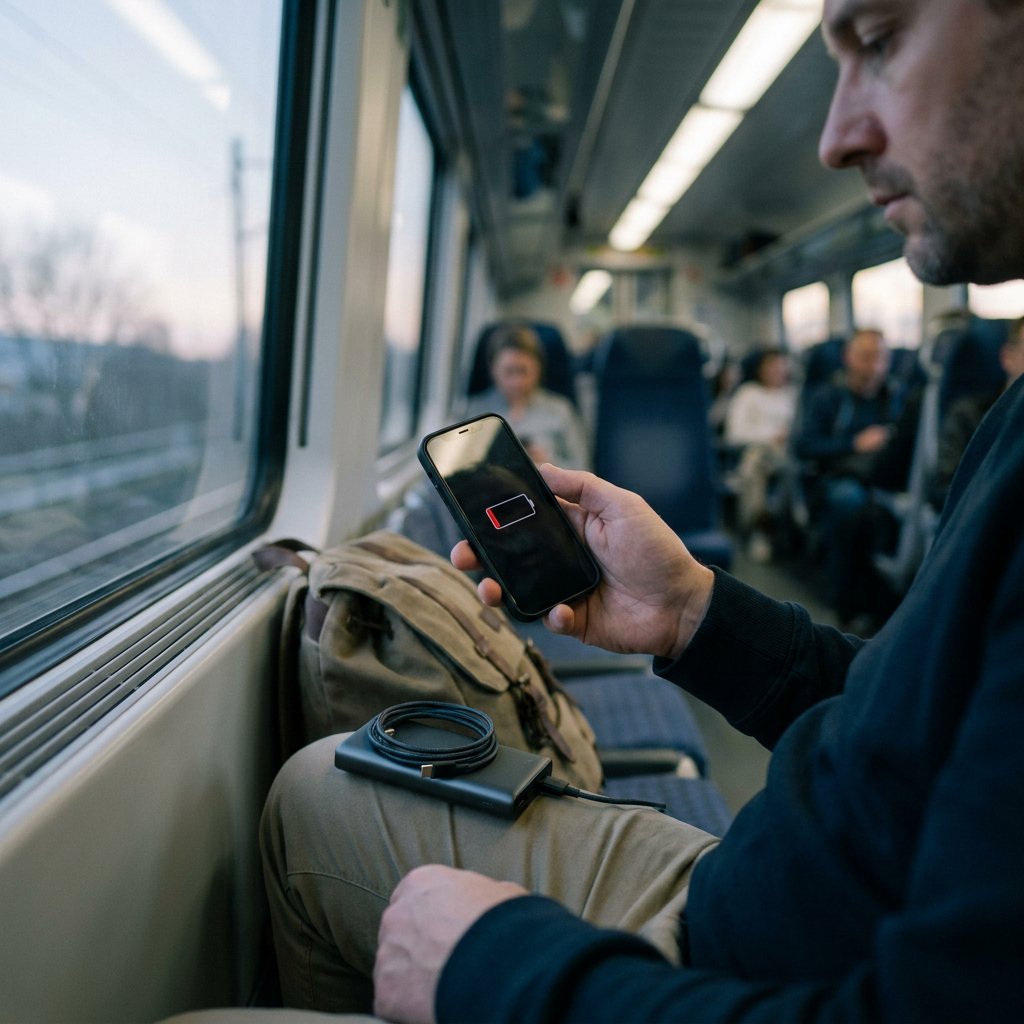
If your phone suddenly drains much faster than usual, it is usually not caused by just one issue but by a combination of settings, app usage, and battery wear. In many cases, you can reduce battery consumption significantly with a few targeted adjustments. Below, you can see how to find the cause and what tends to make the biggest difference in practice.
The most common causes of fast battery drain
For almost every smartphone, these are the biggest culprits:
- A bright screen - the display is often the biggest power consumer, especially at high brightness and with long screen time.
- Apps running in the background - some apps keep syncing, using location, or fetching notifications even when you are not actively using them.
- Poor signal - your phone uses extra power when it constantly searches for a mobile network, Wi-Fi, or Bluetooth connection.
- Location, Bluetooth, and other active features - enabled features continue working in the background.
- Lots of notifications and refresh activity - every push notification, vibration, and background update uses energy.
- An aging battery - after many charge cycles, the maximum capacity decreases, making your phone seem to drain faster.
How to find out what is draining your phone battery
The fastest way to identify the real problem is to check which app or feature uses the most power. Almost every smartphone shows this in the battery settings. Pay special attention to:
- which apps are at the top of battery usage
- whether the screen is using a noticeably high percentage
- whether an app has a lot of background activity
- whether the drain mainly happens while traveling or in places with poor signal
If you see one app that clearly stands out, the cause is usually easier to find than if you randomly change all kinds of settings. Pay particular attention to social media apps, streaming apps, navigation, and apps that constantly use your location or camera.
Settings that make the biggest immediate impact
1. Lower the screen brightness
A bright screen uses a lot of battery. Lower the brightness and use automatic brightness if your device has that option. A shorter screen timeout also helps, because the screen stays on unnecessarily for less time.
2. Limit background app activity
Apps that refresh, sync, and fetch notifications in the background can drain your battery quickly. Turn off background refresh for apps you do not need right away, or limit it to essential apps only, such as messages or email.
3. Turn off features you are not using
Do not leave Bluetooth, location, hotspot, or Wi-Fi turned on unnecessarily. Location services and constant connection searches in particular can quietly use a lot of power. In areas with poor signal, airplane mode can help temporarily if you do not need a connection.
4. Use battery saver
Battery saver mode limits background processes and often lowers performance slightly. For everyday use, this is usually barely noticeable, while it does immediately provide extra battery life.
5. Manage notifications more intelligently
Lots of notifications lead to extra screen activity, vibrations, and data traffic. Turn off notifications for apps that are not important. That not only makes your phone more efficient, but often calmer to use as well.
When is the battery itself the problem?
If your phone has been in use for a longer time and the battery still drains quickly despite efficient settings, battery wear may be the main reason. Typical signs are:
- the battery drops quickly from, for example, 30% to 10%
- your device shuts down while it still seems to have charge left
- you need to charge much more often than before
- the phone heats up quickly during normal use
A worn battery simply holds less energy than when the device was new. In that case, settings can still help somewhat, but they will not fully solve the underlying problem.
Why a new phone can also drain quickly
With a new device, fast battery drain does not necessarily indicate a defect. In the first few days after setup, there is often extra background activity, such as installing apps and syncing photos, email, and cloud data. As a result, the battery may temporarily drain faster. If usage returns to normal after a few days, that was usually the explanation.
Practical tips to make your battery last longer
- Update apps and the operating system - updates regularly include optimizations for energy consumption.
- Use dark mode - this can help especially on devices with an OLED screen.
- Avoid extreme heat and cold - temperature has a direct effect on battery performance and lifespan.
- Charge in time - do not let your phone fully drain every time if that is not necessary.
- Check charging accessories - choose reliable charging accessories (fast chargers, power banks, cables) for stable, safe, and efficient charging.
- Replace worn cables - old or damaged cables can charge slowly and cause extra heat; choose quality charging and data cables.
If you are often on the go and charging in between is the main issue, a power bank can be a practical solution to stay reachable. AZcom offers smartphone accessories such as power banks that are convenient for extra battery capacity on the go.
Do you charge wirelessly with MagSafe? First read What Is MagSafe? Explanation and Tips for insights into efficient charging, alignment, and heat. For better alignment and more efficient wireless charging, you can choose MagSafe cases.
FAQ
What should you do if your phone battery drains very quickly?
Start with your phone's battery overview. Check which app or feature uses the most power, lower screen brightness, limit background apps, and turn off unnecessary features such as Bluetooth or location. If that barely helps, battery wear may be playing a role.
Which app is draining my battery?
You can see that in your smartphone's battery settings. There, you can view how much energy each app uses. Video, music, navigation, social media, and constant sync apps often rank high on the list.
How can you find out what is draining your phone battery?
Check battery usage per app, pay attention to screen time, see whether background refresh is active, and note situations with poor signal. That way, you can tell whether the issue mainly comes from usage, settings, network searching behavior, or an aging battery.
Why does a Samsung battery drain so fast?
The causes are usually the same as with other brands: high screen brightness, background apps, active features, poor signal, or battery wear. On some Samsung devices, extra network use such as switching between connections can also increase consumption. If the problem continues, contact support for additional help.