
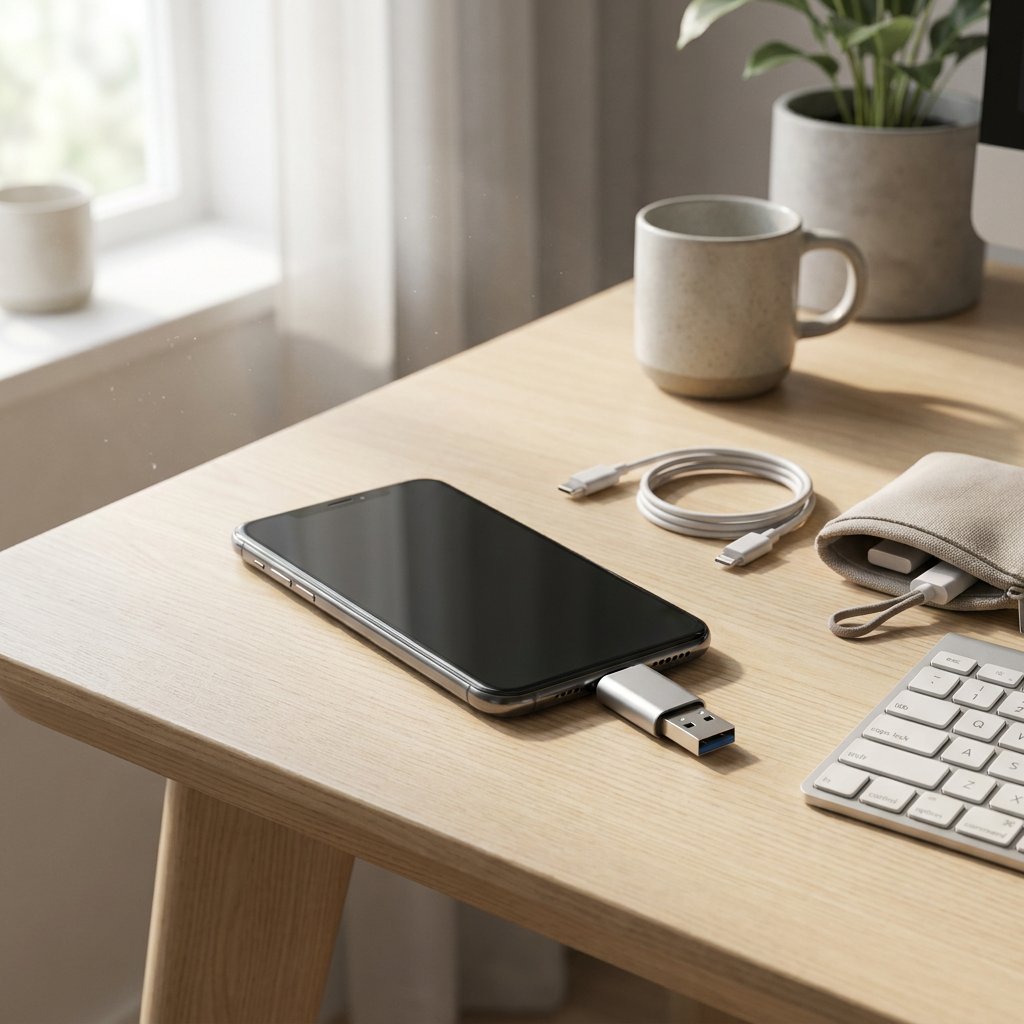
USB OTG is a feature that allows a smartphone or tablet to control USB devices itself. This lets you transfer files without a computer, read external storage and use accessories such as a keyboard or controller directly. That makes USB On-The-Go particularly practical for mobile working, backups and extra storage on the move. However, OTG only really works smoothly when device support, port type and accessory all match properly.
How USB OTG turns your smartphone into a USB host
USB OTG stands for USB On-The-Go. With this feature, a phone or tablet can take over the host role that is often normally handled by a computer. Your mobile device then controls a USB stick, keyboard, card reader or other USB accessory itself. This makes direct communication possible without a PC as an intermediary, and the difference between charging and data matters here; see USB-C charging vs data. In practice, this often works plug-and-play: you connect something and the device recognises it automatically. The condition is that the device supports OTG and that the connection, power supply and accessory are compatible. So if you are asking what OTG is or what the OTG function does, you are really looking for a simple way to do more on the move with storage, input devices and flexible working.
Choose the right OTG cable, adapter or hub
First identify your device's port. Then choose the right cable, adapter, hub or OTG USB stick; note that not every cable supports data, something that is also important with an Android Auto USB cable. For power-hungry setups, our USB-C PD cable wattage and compatibility guide helps you pick a quality cable that won’t limit power while using OTG peripherals. If you’re considering a hub or dock, understanding protocols helps — USB-C vs Thunderbolt – what’s the difference? clarifies connector versus protocol when choosing gear for OTG.
| Type | Function | Practical identifying feature |
|---|---|---|
| OTG cable | Connects one accessory directly. | Often USB-C or micro-USB to USB-A. |
| OTG adapter | Converts the plug type. | Compact intermediary piece; the OTG connector creates the physical connection for the host function. |
| OTG hub | Connects multiple devices at once. | Useful, but pay extra attention to power. |
| USB-C / micro-USB | Common device ports. | USB-C is oval and reversible; micro-USB is smaller and asymmetrical. |
| USB-A / USB-B | Common accessory plugs. | USB-A is rectangular; USB-B is mainly found on printers and some accessories. |
What you can do with USB OTG in practice
USB OTG is especially useful because you can carry out tasks directly on your mobile device, without an extra computer.
- Copy, move or back up files. You can connect a USB stick, card reader or sometimes an external drive to transfer photos, videos and documents quickly or free up internal storage.
- Type and work more comfortably. With a keyboard and mouse, a tablet or smartphone becomes much more suitable for email, notes, documents and remote working.
- Mobile gaming with more control. Many controllers work via OTG, making some games more enjoyable to play than through the touchscreen. Exact support depends on the device and the game.
- Play media directly from external storage. You do not always need to save music, videos or presentations locally first, as long as the format and the storage device are recognised.
- Other accessories are also possible, such as printers, card readers, camera accessories and some USB audio devices. Here, app support, compatibility and sufficient power often prove decisive.
How to check whether your device supports OTG
Do you want to know quickly whether OTG works on your device? Check it step by step.
- Test it directly with an OTG adapter or OTG cable and a USB stick. If a notification appears or you see external storage in your file manager, that is usually the quickest confirmation.
- Check the product specifications, manual or the manufacturer's support page. That is the best way to see in advance whether your model supports USB On-The-Go and whether any conditions apply.
- If you use Android, you can use an OTG checker app as an extra check. Treat such an app mainly as a tool; in practice, it also depends on the cable, accessory and software.
- Bear in mind that devices and operating systems differ. Not every Android model works in the same way. On Apple devices, the term OTG is less common; external storage there usually works via suitable adapters and a file app, depending on the model and whether you use USB-C or Lightning.
- Always check the accessory itself as well. A device may support OTG, while a specific drive, controller or card reader still does not work properly with it.
Pay attention to settings, power and limitations
OTG often works automatically, but some Android models show an OTG or USB option in the settings for connected devices, storage or USB preferences. If you are wondering where your USB settings are, look there first. Also pay attention to the power supply: accessories with higher power requirements, such as external hard drives or certain printers, do not always work stably on phone power alone. In that case, a hub with its own power supply or a solution using a power bank may be needed. If OTG does not work, always check the combination of the USB cables and adapters, app support and file system.