
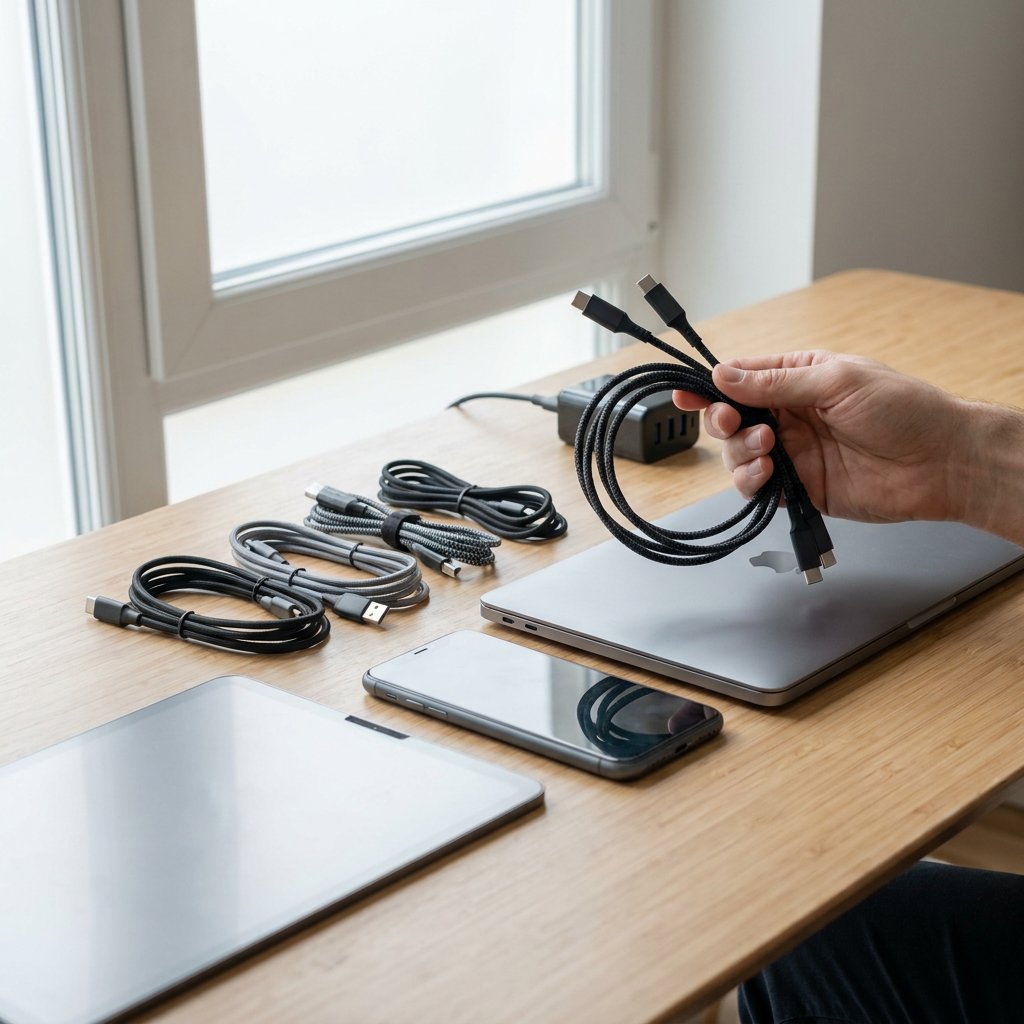
USB-C refers to the connector. Power Delivery, often shortened to PD, refers to the charging protocol. As a result, not every USB-C cable is automatically suitable for the same charging speed or the same power output. Two cables can look almost identical, while one is perfectly fine for a smartphone and the other really comes into its own with a tablet or laptop.
The final performance also always depends on three parts together: the cable, the charger and the device you connect. If one of those three is limited, the overall combination is limited as well. A PD cable works best with a matching PD charger; see our USB‑C (PD) opladers for compatible options. The practical guide below shows you at a glance what to look for: wattage, compatibility, data and video support, durability, and how to read product specifications correctly.
How Power Delivery works between cable, charger and device
USB Power Delivery is a charging standard in which charger and device coordinate what power can be used safely and efficiently. Instead of always charging at one fixed level, both sides negotiate the voltage and current. This allows a small device to charge at modest power, while a larger device can request more power if that is supported.
The cable plays an important role in this. A USB-C plug does not automatically mean you are dealing with a full-featured USB-C Power Delivery cable. USB-C mainly describes the shape of the connector; performance comes from the specifications behind it. A basic USB-C cable may be suitable for standard charging and simple data, while another cable is specifically designed for PD charging at higher power classes.
This is why the difference between "USB-C" and "USB-C PD" matters in practice. A regular USB-C cable may fit physically, yet still be limited in charging power. A PD cable or USB-C Power Delivery cable, by contrast, is intended to support higher power levels together with a compatible charger and device, provided that this is clearly stated on the product page.
In everyday use, you often come across power levels for smartphones, tablets and lightweight laptops, but the requirements increase with heavier devices. Up to 100W, many combinations fall within the common PD classes. For even higher power, PD 3.1 with EPR is especially relevant. This opens the way to 140W, 180W and 240W, mainly for more powerful laptops and other demanding applications. Without support from both the charger and the device, however, such a higher class offers no extra benefit. For portable setups, see Laptop opladen met een powerbank for what to consider.
Choose the right wattage for your phone, tablet or laptop
Always look at the charging power recommended by the manufacturer of your device. The table below helps put the most common choices into context.
| Device type | Common charging range | Practical cable choice | When stepping up makes sense |
|---|---|---|---|
| Smartphone | Often around 18W to 30W | A USB-C cable up to 60W is usually more than sufficient | Only if you also want to use the same cable for more demanding devices |
| Tablet and smaller accessories | Often around 20W to 45W | 60W is suitable in many cases | If your tablet or power bank supports higher power |
| Lightweight laptop or ultrabook | Often around 45W to 65W | 60W may be enough, but 100W gives more headroom | If the device can charge above 60W or you want one cable for multiple devices |
| More powerful laptop | Often around 65W to 100W | Choose a cable that explicitly supports up to 100W | When the manufacturer mentions higher power or stable charging under load |
| Higher-power laptop or newer PD 3.1 devices | 140W to 240W on specific models | Only choose a 140W or 240W cable if the charger and device explicitly support it | For demanding laptops and applications where PD 3.1/EPR is required |
A cable with a higher power class can also carry lower power levels. So a 100W cable is also suitable for scenarios like Telefoon opladen met een laptoplader (USB‑C PD), but not faster than the charger and device allow. Conversely, a 60W cable can limit a more demanding laptop. That is why looking only at the USB-C plug is not enough.
Not every USB-C cable performs the same
To the question of whether there is a difference between USB-C cables, the short answer is: absolutely. Some cables are mainly intended for USB‑C: laden én data-overdracht, while others also support fast file transfers or video to a monitor. That makes USB-C convenient, but also confusing if you look only at the plug.
The most important rule is that charging power, data speed and video output are three separate specifications. So a powerful USB-C PD cable may support 100W or more perfectly well, while at the same time being limited to basic data. Conversely, a cable intended for data is not automatically the right choice for higher charging power. You should always check those properties separately.
For many everyday applications, 480 Mbps is more than sufficient. Think of charging, syncing photos and documents, connecting simple accessories or using it with a power bank in your bag. As soon as you move large files, such as backups or video from an external SSD, higher data speeds become much more relevant. Then it pays to look at a faster USB standard.
For docks and external displays, there is another layer: video support. Not every USB-C cable can carry a video signal, and not every USB-C port on a device supports that either. If you want to connect a monitor, the entire chain must be suitable: device, port, cable and, if applicable, dock. In more demanding workstation setups or with modern docks, USB4 or explicit support for monitor use can therefore be a logical requirement, even if charging is not the bottleneck.
Check these specifications before you order
A product page does not need to be a puzzle. This checklist lets you quickly see whether a cable really suits your use.
- Start by checking the connector type. USB-C-to-USB-C is the standard for many modern smartphones, tablets, power banks and laptops. When choosing between USB‑C of Lightning?, USB-C-to-Lightning is especially relevant for iPhones with a Lightning port and for certain Apple accessories.
- Then check the maximum charging power. Look for clear statements such as 60W, 100W, 140W or 240W. "USB-C" alone in a product title is not enough to know whether a cable is suitable for higher PD power.
- Next, read the USB standard. USB 2.0 is often sufficient if you mainly want to charge or transfer simple data. For fast backups, external SSDs or a more extensive workstation, higher data speeds or USB4 are more interesting. If you want video via USB-C, check that explicitly on the specification page.
- Pay attention to length and form factor. A short cable is practical in the car or with a power bank, while a longer cable can be convenient on a desk. Do not choose longer than necessary; that keeps everyday use more manageable and reduces unnecessary strain on the connector.
- If you use an iPhone with Lightning, check whether a USB-C-to-Lightning cable combined with a compatible USB-C charger is relevant for 20W fast charging. Also check whether an MFi mention on the product page is necessary for your use.
- Use model codes and EANs as a search aid, not as a substitute for the specifications. An EAN such as 6953156285217 or codes such as CATKLF G09, CATKLF G91, CATKLF H09, CATKLF H91, CATKLF HG1, CATLGD 02, CATLJK B01, CATLKLF 91 and TZCATLZJ 02 help you find the exact same item again, for example on cable and charging product pages within collections such as Cord and Charge. On their own, they say nothing about wattage, data or video.
Why quality cables last longer
When a USB-C cable "breaks quickly", the cause is usually not USB-C as a connector, but wear at the points where a cable is put under the greatest strain. Those are almost always the connectors and the strain relief directly behind the plug. That is where the cable is constantly bent, twisted and stressed when you plug and unplug it, wrap it tightly or pull on the cord instead of the plug housing.
Heavy mobile use speeds up that process. Think of charging while holding your phone at the same time, cables that are carried around in a bag, a power bank dangling from the device, or a charging cable in the car that is constantly under tension and sideways pressure. Tightly coiled cables also build up internal stress more quickly. The outside may still look fine, while fatigue has already started inside.
What does help? First, a sturdy connector housing that fits well in the port and does not feel loose. A solid strain relief is also important: the flexible section directly behind the plug must absorb bending without the core kinking at one point. The outer jacket matters too. It needs to be flexible enough for daily use, yet strong enough to withstand abrasion, twisting and repeated coiling. At higher power levels, the cable core must also remain stable under load and be clearly specified for that power.
Material alone does not tell the whole story, however. A braided jacket can be pleasant to use and offer extra protection against surface wear, but it is not a guarantee on its own. Conversely, a smoother jacket may be more practical if you store the cable often or want to untangle it quickly. The combination of connector, strain relief, jacket and internal construction determines how long a cable lasts in practice.
The best choice therefore depends greatly on where you use the cable. On a desk, reach is often important, but an overly long cable that constantly hangs over the edge is exposed to more tensile strain. For travel, a more compact cable often makes more sense because it bends less in a bag and takes up less space. In the car, a shorter cable usually works more neatly and more stably. For use with a power bank, a short, flexible cable is often the most comfortable because the device and power bank are close together.
So if durability matters to you, do not choose based only on appearance or plug type. With USB‑C kabels, it is important that the specifications match the device and that the build matches the way you use it every day. That combination is exactly what ensures that a cable not only charges well today, but also continues to perform reliably after frequent use.
Fast charging not working? Check these points first
If a device charges slowly or the connection drops out, first check the basics. Work from charger to cable to port.
- Check the charger. Does it actually support USB Power Delivery and does it provide enough power for your device? A USB-C charger without the right PD power will not make fast charging possible.
- Then check the cable specifications. A USB-C cable is not automatically a USB-C PD cable. See whether the maximum wattage matches your device and whether the cable is not intended only for basic charging.
- Next, inspect the device port. Dust, lint or dirt in a USB-C port can cause slow charging or a dropping connection, even if the cable is suitable on paper.
- Finally, look for wear. A damaged connector, a cable that only works at a certain angle or a combination with too little charging power are common causes of unstable charging.